Think of variables as boxes. Boxes contain things, on a basic level this box contains things
like numbers, text, true or false values. Variables are useful because we don't have to change
a piece of text millions of times, we only have to change one part of it, which is the variable.
In Java you have booleans, integers, and strings.
Booleans are true or false values,
integers are whole numbers,
and strings are text.
You can use these variables for lots of things.
Integers
Let's say I wanted to tell someone how much of something I bought.
But that thing changes overtime because I buy more of it.
I could define that with an integer.
Let's use an integer to define a number that changes in a string.
It's a number so it is an integer.
You create an integer variable by writing
int (varname) = (value);
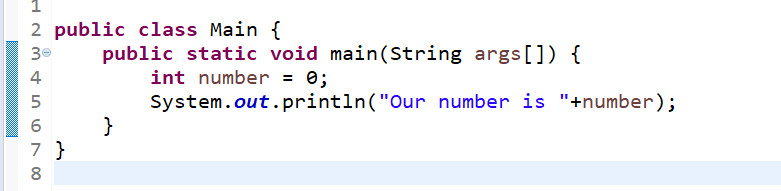
Let's implement this in our project.
Note: you can use the + sign to concatinate values together, here we are using it to
concatinate a string and a int. You can also add one two an int by using
(int name)++;
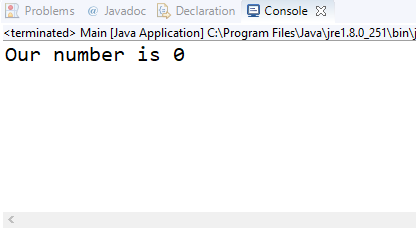
This will give us this result
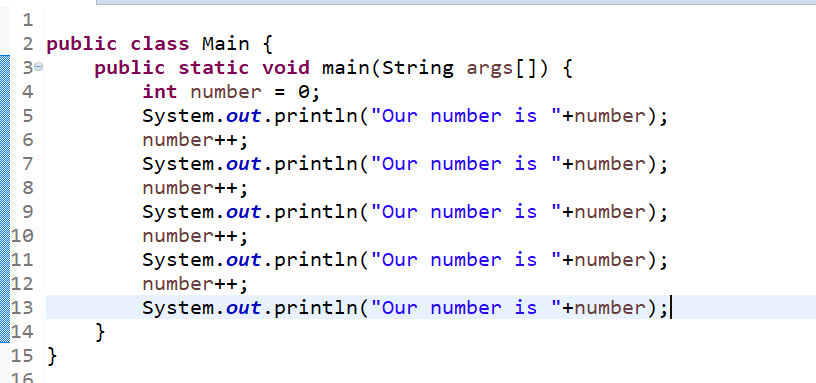
Lets add one to our integer and print it each step.
our code should look like this:
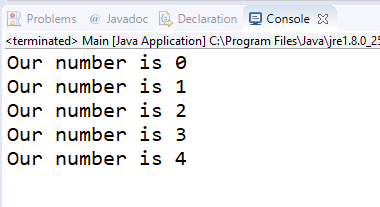
and our result is:
As you can see our number increased as it went along in the code.
Strings
In Java there are things called strings, they allow you to change words inside
of another string.
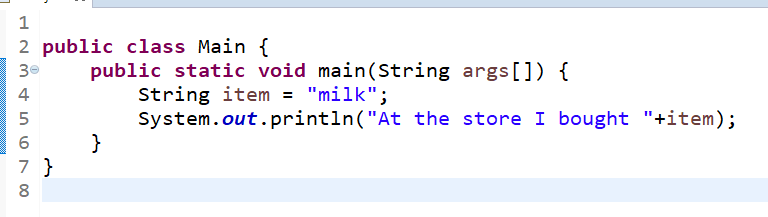
For example, I wanted to say "I went to the store and bought"+item
Then I could say that item is equal to milk.
To create a string you have to use the variable type String
Strings in Java look something like this String (variable name) = (value);
Our code should look like this:
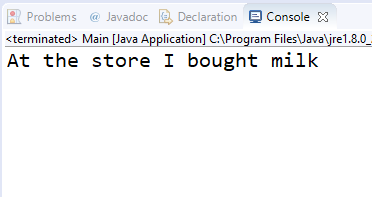
The result is:
Booleans
Booleans are true or false values, you can use them in if statements to tell the program
to do this if it is true or false.
To describe a boolean in Java you have to do this
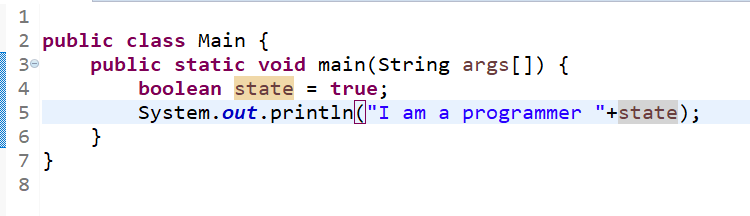
boolean (variable name) = (value);
Here is an example:
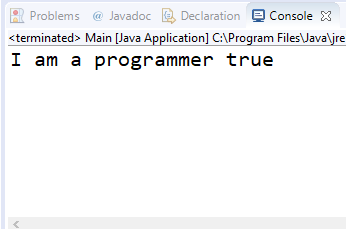
Here is the result:
 Variables and Variable types