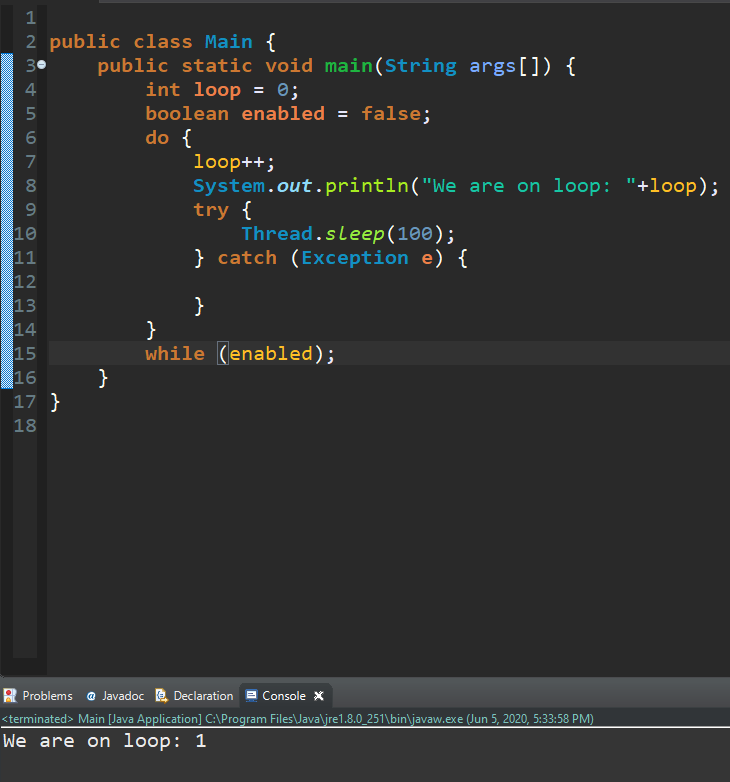
Loops
Loops
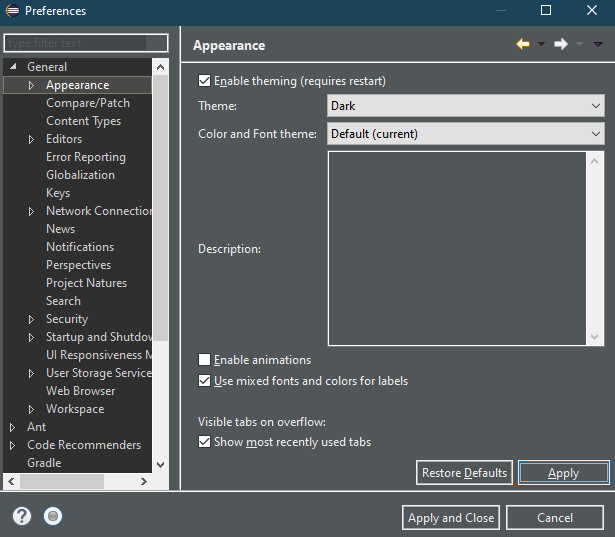
Disclaimer: If the light mode of Eclipse is hurting your eyes
Window > Prefrences > General > Appearance
Loops in any programming language are helpful, because they can help you
look through lists, or objects, without having to write
hundreds of if statements.
There are three types of loops in Java,
For loops:
for (int start = 0; start < finish; start++) { }
While loops:
while(condition) { }
and Do While loops:
do { } while(condition);
For loops
For loops are loops that execute a certain number of times.
In the first section of the for loop, you have you are starting from,
its almost always 0.
In the second section you check if the place that you are starting from
is less than the place you want to go.
If it is than you add one to the starting position and you execute what
is inside of the brackets of the for loop.
Here is a simple example, we are going to be using ints to describe
the finishing point in our loop.
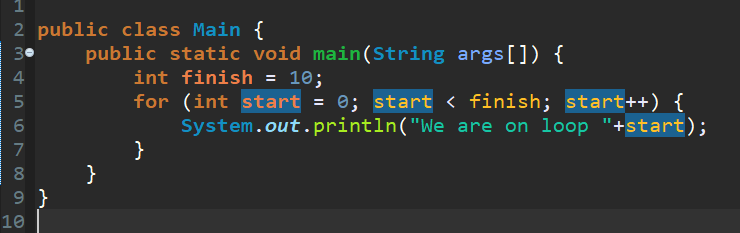
and the result is:
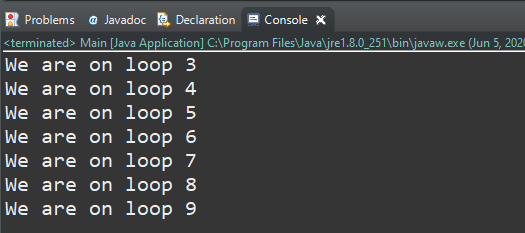
Now this only went up to 9, but why?
It went to finished at 9 because we told the program that
are starting point is 0. If we count up from 0 to 10, so 0 1 2, and so on, the end
result of 10 digits is 9.
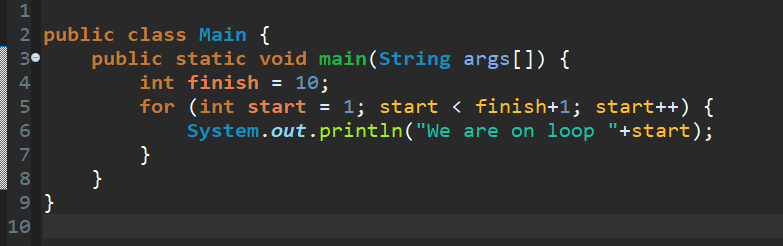
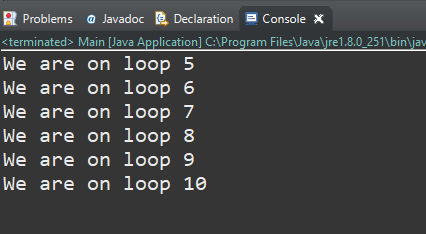
If you wanted a program to count more like a human, so from 1 to 10.
Then you would have to say that your starting position is 1 and
your end position is your end position + 1.
The code for this would look something like this:
and the result is:
While loops
While loops execute during a condition. They work like this:
while (condition) { }
so if the condition is true than the loop will execute.
An example of a while loop would be a game loop,
you constantly want to update the game. This also comes with a
downside, if you let it go on it's own, it will freeze your computer.
Because it is updating so much, in turn you have to add a wait,
make it sleep for a millisecond or two. You can achieve
a wait by saying Thread.sleep(millisecondTime);
However, this on it's own will cause errors, so you have to
sorrund it in a try catch block, this will say
if there is an error, don't break, just keep going.
Try catch blocks look like this:
try {
// Do something
}catch(Exception e){ }
In this example I will use an int value to indicate what loop
we are on. So now that that is out of the way, we can use a for loop.
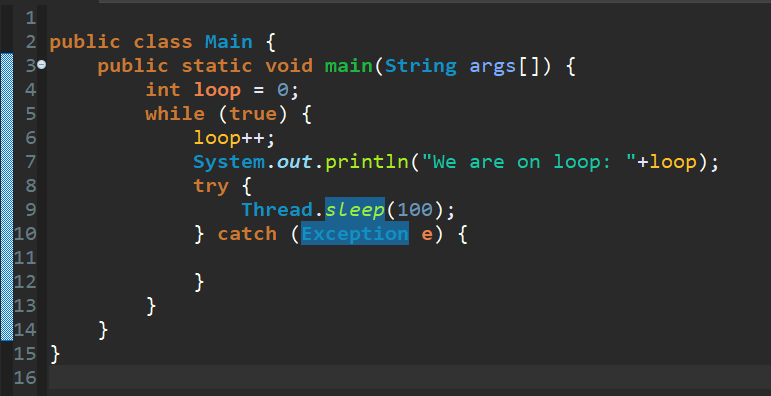
and the result is:
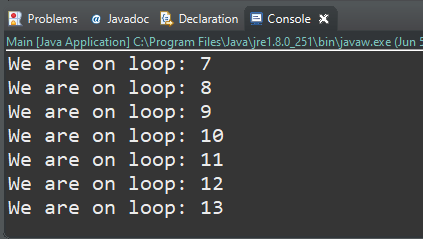
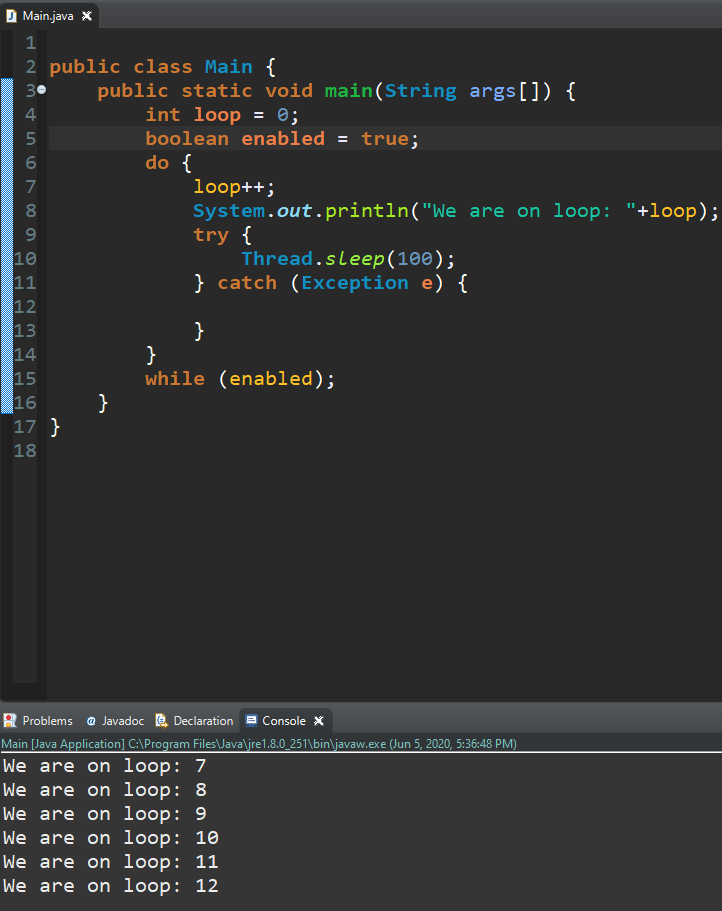
When in the condition of a while loop you put true, it will start when you start the program
and end when you forcefully end the program by press on this button:

Its the first icon in the console tab to the right.
// Do something
}catch(Exception e){ }